
One of the most common questions before switching to IPTV is whether your broadband is fast enough. The IPTV speed requirements UK viewers actually need are simpler than most people expect — and most UK broadband connections in 2026 easily meet them.
This guide breaks down the real IPTV speed requirements for UK households: what speed you need for SD, HD, and 4K, why the type of connection matters more than the headline speed, and what to do if buffering is still happening even when your speed test looks fine.
IPTV Speed Requirements UK – The Numbers
Here are the actual IPTV speed requirements UK viewers need for each quality level:
Standard Definition (SD) – 5 Mbps minimum
At 5 Mbps, SD IPTV streams reliably. Most UK broadband connections easily exceed this. SD is acceptable for smaller screens but looks noticeably soft on modern HD televisions — not what most viewers want for live sport.
High Definition (HD / 1080p) – 15 Mbps recommended
The IPTV speed requirement UK for comfortable HD streaming is 15 Mbps dedicated to your streaming device. ‘Dedicated’ is the key word — if your household has multiple devices competing for bandwidth simultaneously (another TV, phones, a laptop), you need more headroom. For a household with 3–4 active devices, a 30–40 Mbps total connection ensures 15 Mbps reliably reaches your IPTV device.
4K Ultra HD – 25 Mbps minimum, 35 Mbps recommended
4K IPTV requires a minimum of 25 Mbps and performs best with 35 Mbps or above. Most UK fibre broadband packages (superfast or full fibre) comfortably exceed this. If you’re on older ADSL broadband, 4K IPTV may not be practical — but HD quality at 15 Mbps remains perfectly achievable.
Why Your Headline Speed Isn’t the Full Story
The IPTV speed requirements UK numbers above assume your broadband is delivered cleanly to your streaming device. In practice, several factors reduce the actual speed reaching the device — even when your speed test looks fine.
WiFi vs Ethernet – The Most Important Factor
A Firestick connected via WiFi might receive 60 Mbps total but only 20 Mbps cleanly without interference, on-demand fluctuations, and contention from other household devices. The same Firestick connected via wired ethernet receives a consistent, low-latency stream without interference. For live sport specifically — where even a brief interruption in data flow causes buffering — ethernet is always preferable to WiFi.
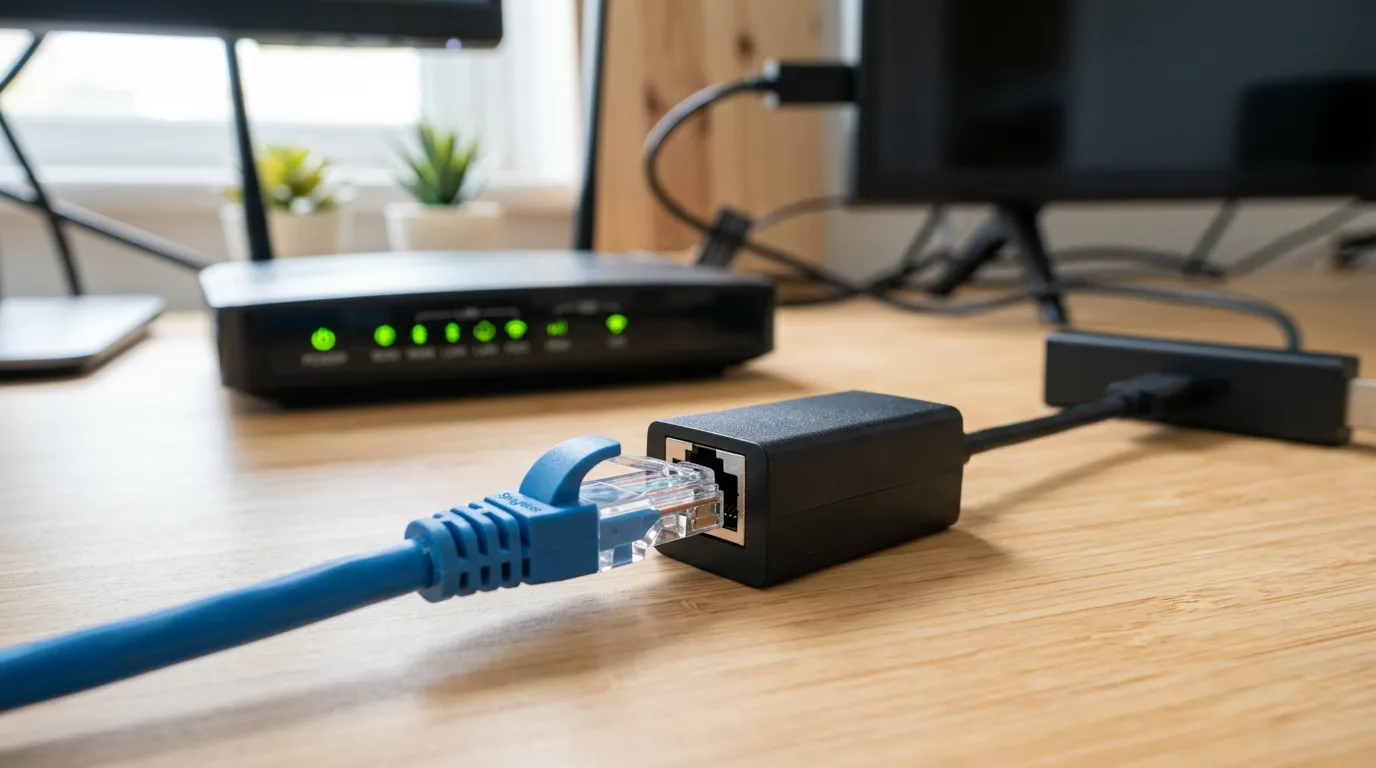
A Firestick ethernet adapter costs under £10 and plugs into the Firestick’s USB port. This single purchase resolves the majority of buffering complaints from viewers who have adequate broadband but experience stream drops through WiFi.
Peak-Hour Network Congestion
UK broadband speeds drop during peak hours — typically 7pm to 11pm when the most households are simultaneously online. A connection delivering 80 Mbps at 2pm may drop to 40 Mbps at 8:30pm. The IPTV speed requirements UK numbers need to be met at peak hours, not just during the day. Run a speed test at Speedtest.net specifically at 8pm on a weekday to see your real peak-hour broadband speed.
Router Position and WiFi Band
If you’re using WiFi despite the ethernet recommendation, ensure your streaming device is on the 5 GHz band rather than 2.4 GHz. The 5 GHz band delivers faster speeds with less interference in household environments. Most modern routers broadcast both bands — check your device’s WiFi settings to confirm which band it has connected to.
Once you’ve confirmed your broadband meets the IPTV speed requirements UK viewers need for HD or 4K, the next step is choosing a service whose infrastructure can actually deliver those speeds from their end. Golden TV uses distributed server infrastructure designed specifically for peak-hour live sports demand — meaning your 20 Mbps of available bandwidth reaches a server that can match it, even on a Saturday afternoon with millions of UK viewers online simultaneously. Ask about plans on WhatsApp:

*Based on UK IPTV user feedback. We do not operate or sell IPTV services.
How to Test Your Broadband Speed for IPTV
Follow this process to get an accurate picture of whether your broadband meets the IPTV speed requirements UK viewers need for live sport:
Step 1 — Test at Peak Hours
Visit Speedtest.net between 7:30pm and 10pm on a weekday. Run three separate tests five minutes apart. Note the lowest download speed — this is your reliable peak-hour speed.
Step 2 — Test From Your Streaming Device’s Location
If possible, run the speed test from your Firestick itself (download the Speedtest app from the Amazon App Store) rather than from your phone or laptop. Different devices in different locations in your home receive different WiFi signal quality. The speed at your Firestick is what matters for IPTV performance, not the speed at your router.
Step 3 — Compare Against the Speed Requirements
If your Firestick consistently delivers 15 Mbps or above during peak hours, you meet the IPTV speed requirements UK for HD. If it’s below 10 Mbps on WiFi but your router delivers 50 Mbps, the fix is ethernet. If your total broadband connection delivers below 15 Mbps consistently, contact your ISP about upgrade options.
For buffering fixes beyond broadband speed, see our IPTV buffering fix guide. For provider-level testing guidance, see our how to test an IPTV provider UK. For UK channel performance context, see UK sports channels on IPTV and new to IPTV UK guide.
Frequently Asked Questions
What broadband speed do I need for IPTV UK?
The minimum IPTV speed requirement UK for HD streaming is 15 Mbps dedicated to your streaming device. For 4K, 25 Mbps minimum. Most UK superfast and full fibre broadband connections comfortably exceed these thresholds. The key is ensuring that speed reaches your Firestick or smart TV — which ethernet delivers more reliably than WiFi.
Why does my IPTV buffer even with fast broadband?
The most common cause is WiFi interference rather than insufficient total broadband speed. Switch to a wired ethernet connection and retest. If buffering persists on ethernet at adequate broadband speed, the issue is likely the IPTV provider’s server infrastructure — a quality provider at mid-tier pricing resolves this completely.
Is 10 Mbps enough for IPTV UK?
10 Mbps is sufficient for SD IPTV and marginal for HD. It will work for many streams but is below the recommended IPTV speed requirement UK for reliable HD live sport at peak hours. If your broadband consistently delivers only 10 Mbps, consider upgrading to a superfast fibre package before subscribing to a quality IPTV service.
Does IPTV use a lot of data?
HD IPTV uses approximately 3 GB per hour. 4K uses approximately 7 GB per hour. For a household watching 4 hours of HD IPTV per day, monthly data usage is approximately 360 GB. Most UK unlimited broadband packages cover this without issue. If your broadband has a data cap, check your monthly allowance before subscribing.
Disclosure: This site recommends third-party IPTV services based on user feedback and independent research. We do not operate, sell, or provide IPTV services directly. All trademarks belong to their respective owners.